New: Full-Funnel GA4 Ecommerce Tracking for Your Website
Your website can now tell Google Analytics 4 the whole story of every shopper's journey. We've added built-in ecommerce tracking across the entire shopping funnel, covering four key events: view_item when a customer views a product page, add_to_cart when they add something to their cart, begin_checkout when they start checking out, and purchase when an order is completed. If you've been wanting to see exactly where shoppers drop off and which products drive revenue, this update gives your GA4 property the data to answer those questions.
Everything flows through your own analytics setup, so you stay in full control of your data. The site pushes standardized ecommerce events that any GA4 or Google Tag Manager configuration can listen for. If you've already connected your GTM container or GA4 tag through the Integrations settings, there's nothing to install and no waiting on custom development. Simply set up your GA4 tags to capture these events and the data starts flowing.
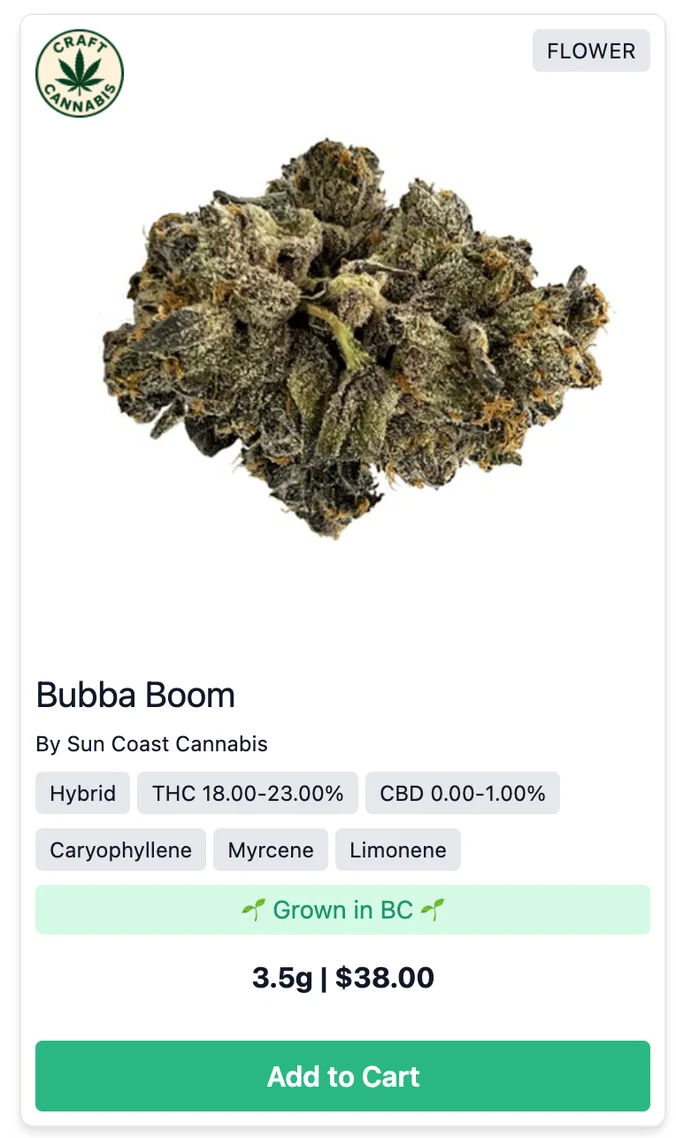
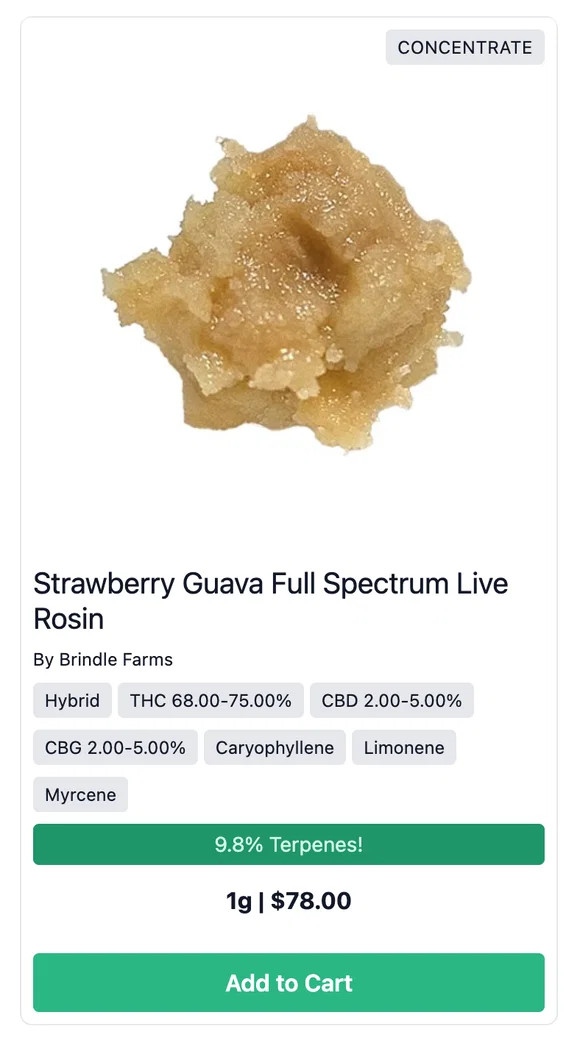
The events follow Google's standard ecommerce schema, so they work out of the box with GA4's built-in ecommerce reports. Every event includes rich product detail: ID, name, brand, category, variant, unit price, and quantity. Purchase events also carry the order's transaction ID and the total value your customer actually paid, with tax reported separately, so your GA4 revenue reporting matches reality. Events are also carefully deduplicated, meaning a refreshed order confirmation page won't ever count a sale twice.
With the full funnel tracked, you can measure conversion rates from product view to purchase, spot your best-performing products and brands, build audiences for remarketing, and see the true return on your marketing spend. A documented event schema is available for your analytics team or agency, so they can build reports and tags against a fixed, reliable structure. It's live now, so if your GA4 or GTM setup is connected, take a look at your ecommerce reports and watch the insights roll in.